Your CRM Could Be the Biggest Risk to Your Business
Why a simple HubSpot or Salesforce misconfiguration could lead to a costly data incident—and how access reviews, offboarding, and governance protect customer relationships.
By Tom Brennan

Why a Simple HubSpot or Salesforce Misconfiguration Could Lead to a Costly Data Incident
Most business owners worry about hackers.
Few worry about the software their employees use every day.
That is a mistake.
A departing salesperson may leave with an active CRM account. An intern may have permission to export the entire customer database. A contractor may keep an integration connected months after the project ends.
None of these scenarios requires an exotic exploit. They happen because ordinary administrative tasks (hiring, changing roles, terminating access, reviewing permissions) were not completed or documented.
For a 50- to 350-person business, municipality, or public agency, the CRM may contain:
- Customer names and contact information
- Quotes and contracts
- Financial information
- Sales pipeline data
- Support tickets
- Internal notes
- Vendor and partner information
If your CRM is misconfigured, you may not need a cybercriminal to create a problem. An employee, former employee, contractor, or compromised account may be enough.
“We Have HubSpot. Doesn’t HubSpot Handle Security?”
HubSpot, Salesforce, and other CRM platforms provide robust security features.
The problem is that security features still need to be configured properly.
Think of it this way: buying a CRM is like buying a building with locks on every door. If you leave every door unlocked, the building is not secure.
Common issues include:
- Former employees still have active accounts
- Too many users have administrator privileges
- Multi-factor authentication is not enforced
- Anyone can export the customer database
- Third-party integrations have excessive access
- Sensitive customer information is visible to everyone
These are configuration and governance failures, not necessarily technology failures.
Why the CRM Is Uniquely Exposed
Email contains valuable conversations. Laptops contain valuable files. But the CRM is designed to concentrate the entire customer relationship in one place.
It may hold the history of every opportunity, customer interaction, contract discussion, service issue, and internal decision.
It is also cloud-hosted, which means it can be reached from anywhere with the right password. It is connected by design to email, marketing platforms, accounting systems, calendars, websites, customer portals, and reporting tools. And it is often administered by business users rather than a dedicated security team.
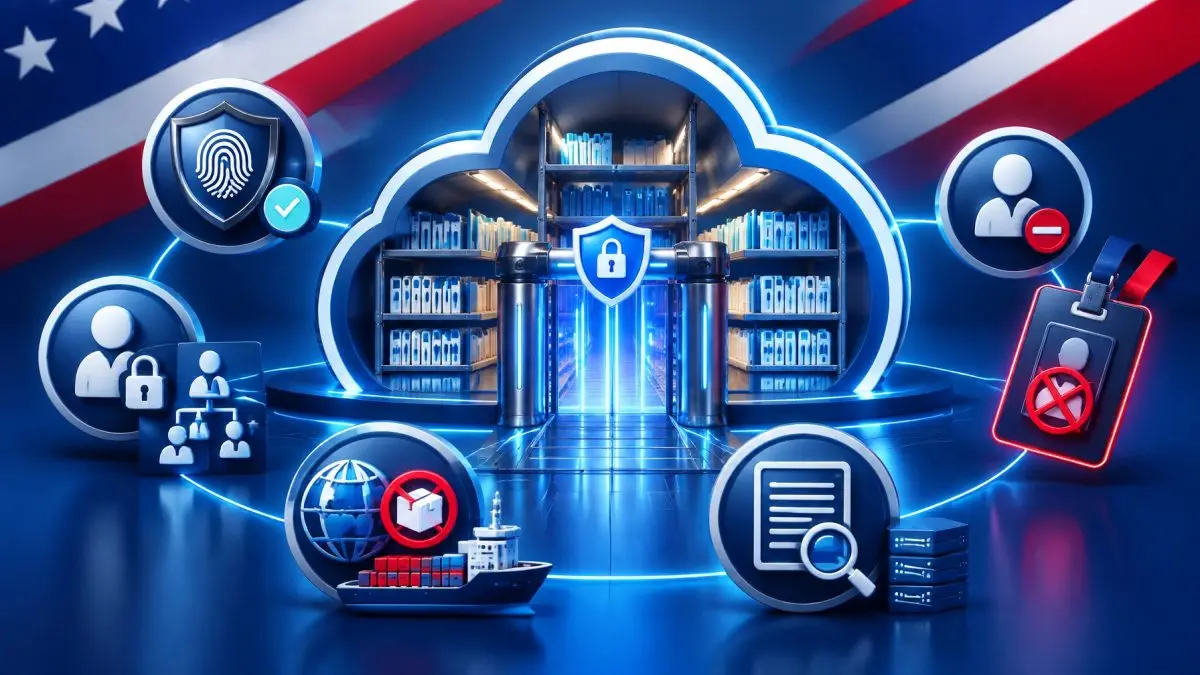
Think of the CRM as a warehouse with a master register at the front desk. The warehouse may have strong walls, but if every visitor receives a master key, every loading dock connects to another system, and nobody reviews the visitor log, the building still has a governance problem.
What a CRM Security Review Actually Looks At
A focused CRM security review does not have to become a multi-month project. For many organizations, an afternoon of structured work can produce a written list of findings, owners, and next steps.
A practical review should examine:
- User inventory and account lifecycle: Who has an account, why do they need it, and when was it last used?
- Termination and offboarding: Is CRM access disabled as part of the employee departure checklist?
- Administrators and super-administrators: How many exist, and are those privileges justified?
- MFA and SSO: Is multi-factor authentication required for every user, without informal exceptions?
- Exports and bulk downloads: Who can export customer records, and are those actions restricted and logged?
- Field-level and record-level visibility: Can users see only the customer fields and records required for their role?
- API keys and personal access tokens: Are non-human credentials inventoried, limited, rotated, and removed when no longer needed?
- Connected integrations: Which applications are connected, what permissions do they hold, and who approved them?
- Audit logs: How long are logs retained, and does anyone actually review them?
- Data retention and deletion: How long should customer information remain in the CRM, and how is it removed?
- Vendor offboarding: What happens when a contractor, consultant, or software relationship ends?
The output should be understandable to a business leader: a list of risks, recommended actions, responsible owners, and priorities.
What Good Looks Like
A well-governed CRM generally has:
- A named business owner accountable for the platform
- A documented joiner, mover, and leaver process
- Least privilege as the default
- MFA required for everyone
- Exports restricted to a small, named group and logged
- Quarterly permission reviews
- An integration inventory reviewed at least annually
- Audit logs retained and actually read
- A documented process for removing access when an employee or vendor leaves
The goal is not to make the CRM difficult to use. The goal is to make access intentional.
The same pattern appears in SharePoint, Microsoft 365, Teams, file storage, and collaboration tools. A broadly shared folder, an old guest account, or an over-permissioned application can create the same exposure. The CRM is often the most visible example of a broader identity, access, and governance issue, not the only one.
The Legal Risk Is Larger Than Most Owners Realize
New Jersey’s breach notification requirements generally address unauthorized access to certain personal information maintained in computerized records. Depending on the facts and the data involved, an organization may have obligations to notify affected New Jersey residents and report a qualifying incident to the New Jersey Division of State Police before consumer notifications are issued.
The law does not apply only to foreign hackers. Unauthorized access can result from:
- A former employee account that was never disabled
- A shared login
- Stolen credentials
- Excessive user permissions
- Improper access controls
The New Jersey Data Privacy Act, effective January 15, 2025, establishes consumer rights and obligations for covered organizations that process personal data. Whether the law applies to a particular organization depends on facts such as the organization’s activities, data processing, thresholds, and any applicable exemptions.
Customers, auditors, cyber insurers, and business partners increasingly expect organizations to demonstrate responsible handling of personal information.
These are general observations, not legal advice. Notification and privacy obligations depend on the specific facts, the information involved, and the organization’s role. Consult qualified counsel about your own obligations.
For practical awareness of daily breach activity and notification-related developments, visit BreachClock.
What Could It Cost?
Most businesses think about fines.
The real costs are often larger:
- Forensic investigations
- Legal counsel
- Customer notifications
- Credit monitoring services
- Regulatory inquiries
- Cyber insurance claims
- Loss of customer trust
- Lost business opportunities
- Pipeline visibility lost in the middle of a quarter
- A sales team working blind
- Disputed invoices and customer records
- Time pulled from revenue-generating work
For a company with thousands of customer records, a single incident can become a six-figure or seven-figure event. The CRM itself may cost a few hundred dollars per month. The consequences of poor governance can cost hundreds of thousands of dollars.
That cost asymmetry is the point.
Five Questions Every Business Owner Should Ask
1. Do former employees still have access to our CRM?
What a good answer looks like: You can produce a current user list, compare it against HR records, and show that terminated accounts are disabled promptly.
2. How many people have administrator rights?
What a good answer looks like: The administrator population is small, named, reviewed regularly, and supported by a documented business reason.
3. Can anyone export our customer database?
What a good answer looks like: Export privileges are limited, bulk downloads are logged, and unusual activity is reviewed.
4. Is multi-factor authentication required for every user?
What a good answer looks like: MFA is enforced through the CRM or SSO provider, with exceptions documented and approved rather than handled informally.
5. When was the last time someone reviewed permissions and integrations?
What a good answer looks like: You have a dated review, an integration inventory, assigned owners, and evidence that corrective actions were completed.
If the answer to any question is “we do not know,” that is itself the finding.
Eight Layers of Protection for CRM Risk
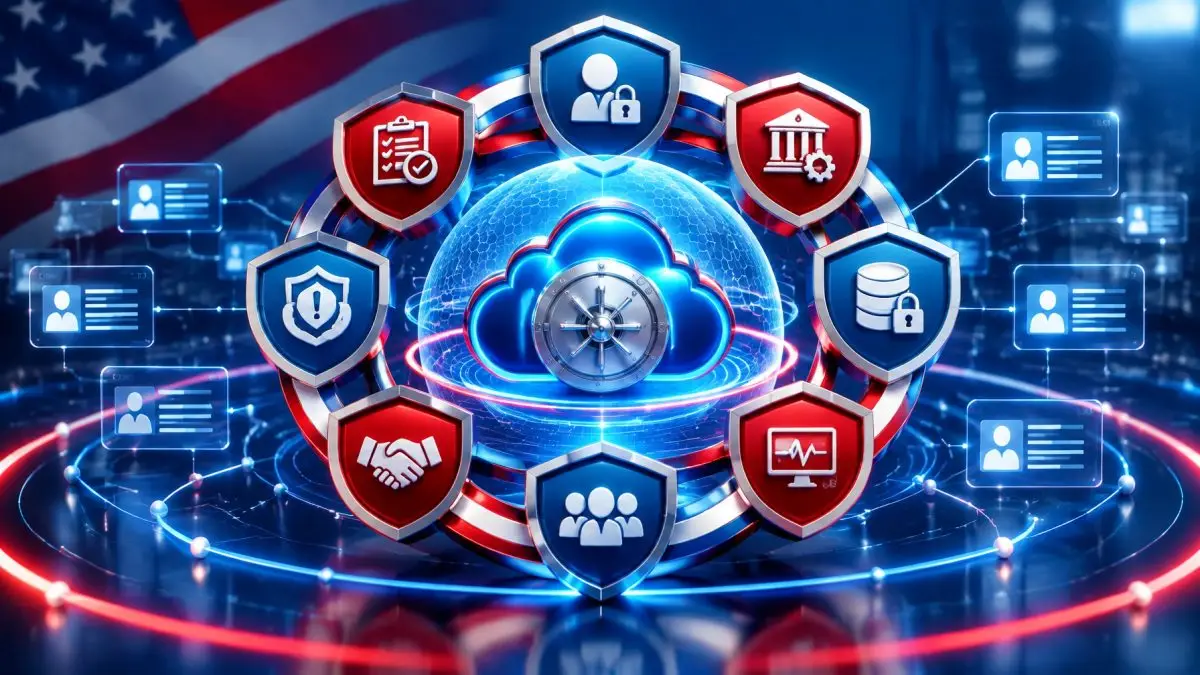
A CRM should not be protected by one setting or one product. It needs layered protection:
- Identity and access: MFA, SSO, least privilege, strong account lifecycle controls, and privileged-access reviews.
- Governance and accountability: A named owner, policies, approval workflows, and regular reporting.
- Data protection: Classification, visibility rules, retention, deletion, and appropriate safeguards for sensitive information.
- Secure configuration: Baselines for CRM settings, export controls, sharing options, and administrative changes.
- Monitoring and detection: Audit logs, alerts, review procedures, and investigation capability.
- People and process: Training for sales, finance, HR, administrators, and executives.
- Third-party risk: Oversight of integrations, contractors, vendors, API keys, and connected applications.
- Response and validation: Tested offboarding, incident response, vulnerability assessment, and adversarial testing where appropriate.
These principles align with the risk-management approach in NIST Cybersecurity Framework 2.0 and the prioritized safeguards in CIS Controls v8.1.
Why It Matters
A CRM security incident can affect more than privacy.
It can affect EBITDA by interrupting sales operations, delaying collections, pulling executives into response work, and weakening customer retention. It can affect strategic goals by making a company look less prepared during an acquisition, financing event, procurement review, or major contract negotiation.
CRM governance may also appear in:
- Cyber insurance questionnaires
- Customer security reviews
- Contractual security requirements
- Public-sector procurement requirements
- M&A due diligence
- Regulatory inquiries
Customer trust is a business asset. Concentrating every customer relationship in one system without strong oversight creates concentration risk.

How We Deliver It
The natural front door is a focused MeasureRISK℠ review. We examine governance, access, evidence, policies, and risk priorities, then help translate findings into a practical remediation roadmap.
Depending on the environment, Proactive Risk may also support the broader program through:
- CyberAdvisor℠ for governance, policy ownership, executive reporting, and vCISO leadership
- ManageIT℠ for identity and access support, monitoring, 24/7 detection, and managed security services
- RISKWatch℠ for third-party, vendor, and integration risk
- FraudShield™ for credential and phishing exposure
- CyberTrain℠ for testing offboarding, incident response, and business continuity processes
- CATSCAN® for testing what an attacker could reach across applications, identities, and connected systems
- GOVERNAI℠ for governing AI tools that may receive CRM or customer data
- Fractional CISO services aligned to NIST and CIS control priorities
Start With an Executive Risk Review
Proactive Risk offers an Executive Risk Review conversation about CRM and identity security.
This is a preliminary discussion based on what you share, not an audit, certification, or full assessment. Paid follow-on work is scoped separately, and ongoing managed services are optional. No particular outcome, compliance status, insurance coverage, or incident prevention result is guaranteed.
Request an Executive Risk Review or call (973) 298-1160.
The Bottom Line
Business owners spend significant money protecting email, laptops, and firewalls.
Meanwhile, the system containing their customer relationships, contracts, communications, and business intelligence often receives little oversight.
A CRM security incident does not always begin with a sophisticated cyberattack.
Sometimes it starts with a former employee account.
Sometimes it starts with excessive permissions.
Sometimes it starts with a setting that nobody reviewed.
Your CRM is one of your most valuable business assets. Treat it with the same level of governance and oversight as your financial systems, because that is exactly how regulators, customers, and cyber insurers are increasingly likely to view it.
Proactive Risk
See Around Corners™
36 First Avenue, Suite 203, Denville, NJ 07834
(973) 298-1160 · proactiverisk.com